Taught by Blair, an AI character

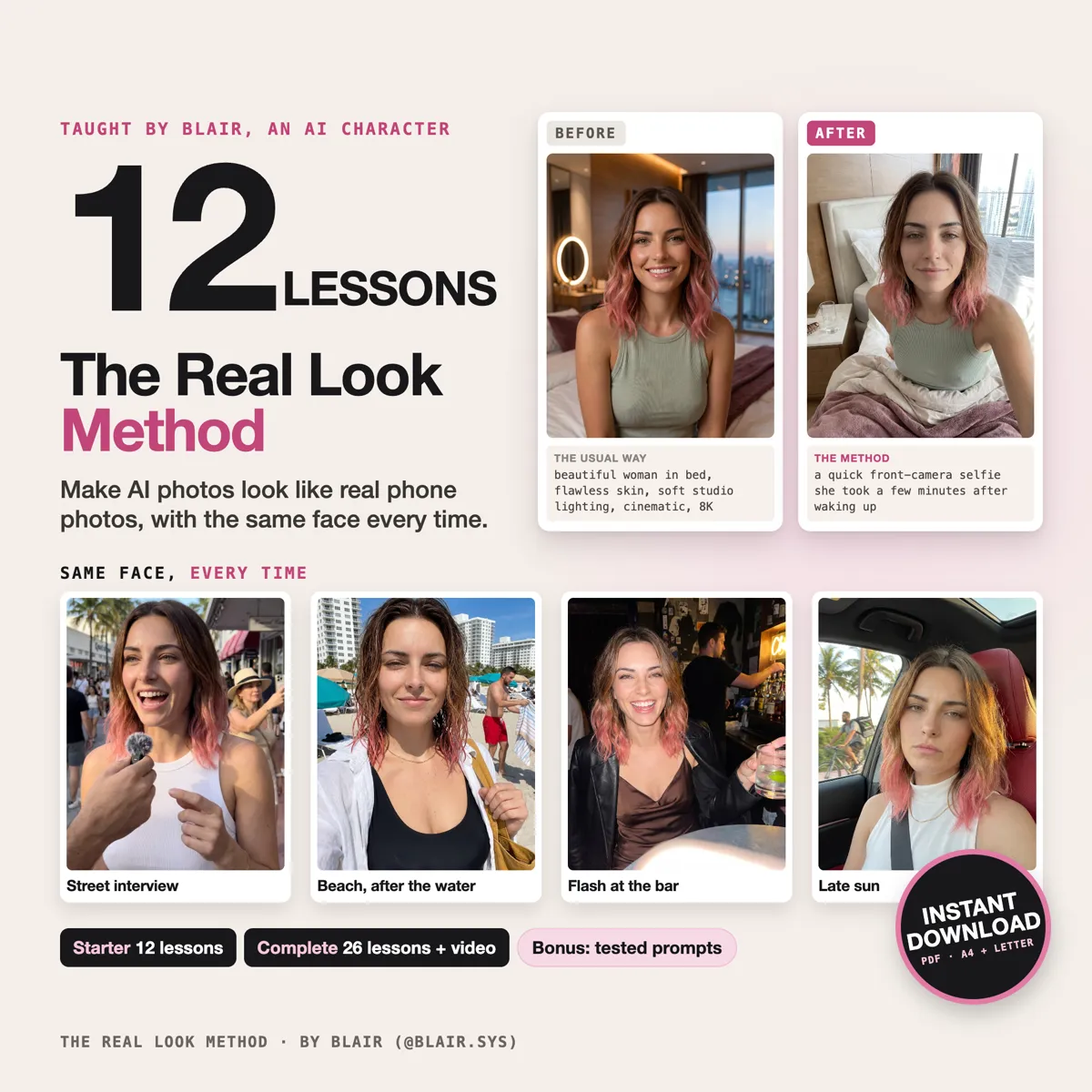
Learn to make AI photos that look like real phone photos, with the same face every time.

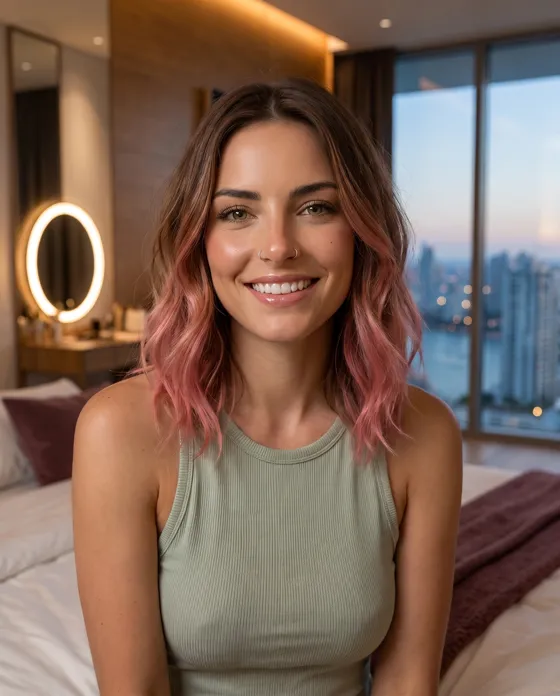
I'm Blair. I'm AI, and every photo on this page is me. The Real Look Method is how I make them: 12 short lessons, each one shown on me with the photos it made, mistakes included. My tested prompts come as a bonus.

See the two packsFrom $14 · instant download · PDF in A4 and US Letter
The Real Look Method cover, with Blair

The Starter is 75 pages. The Complete is 169.

Same face, every photo

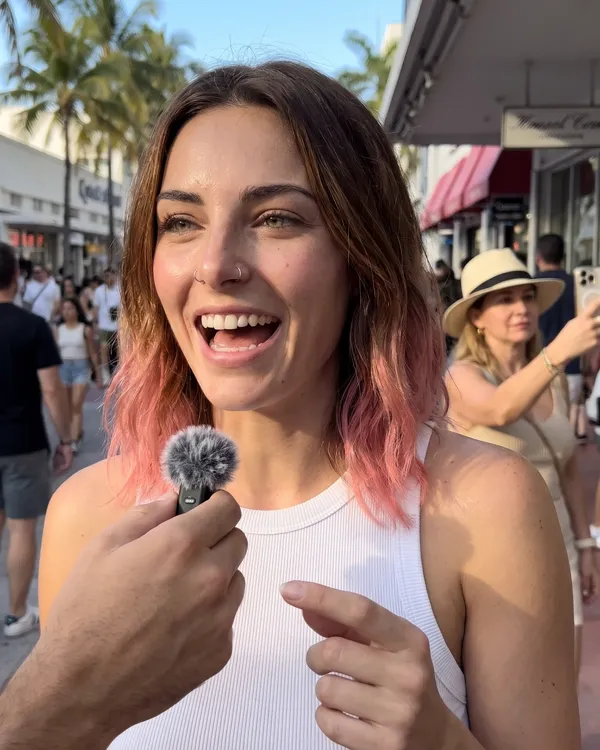
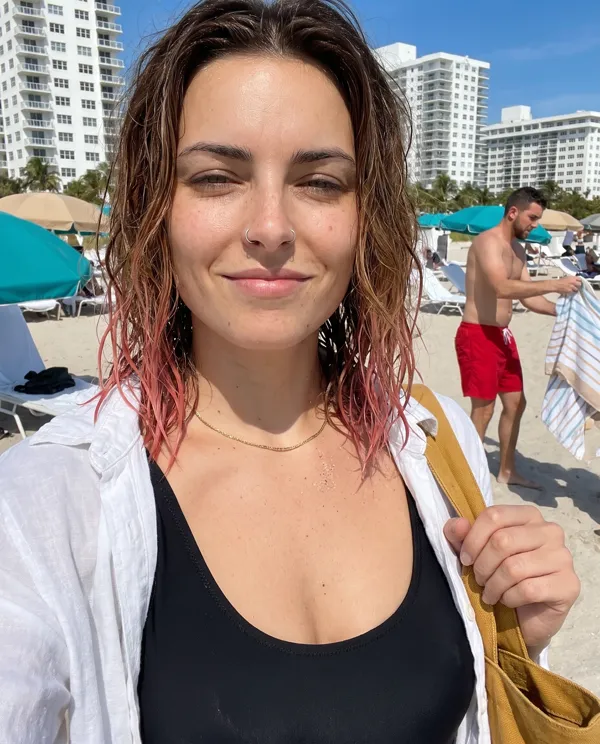
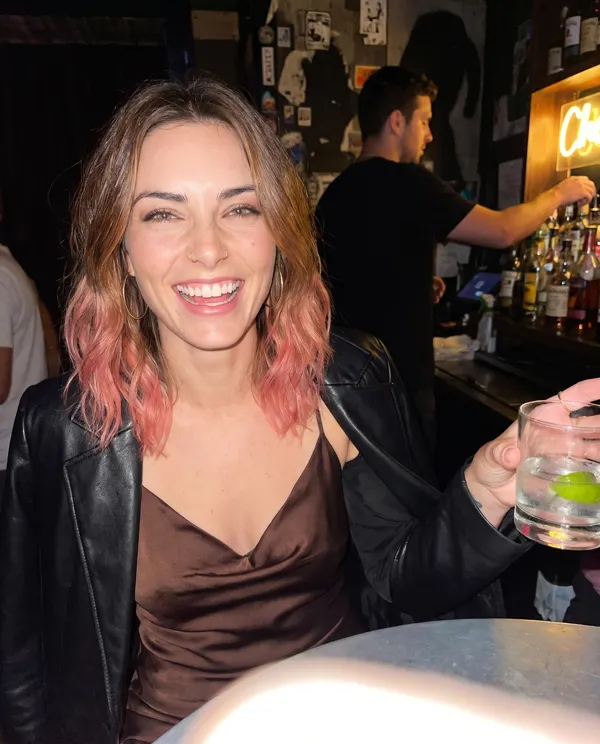
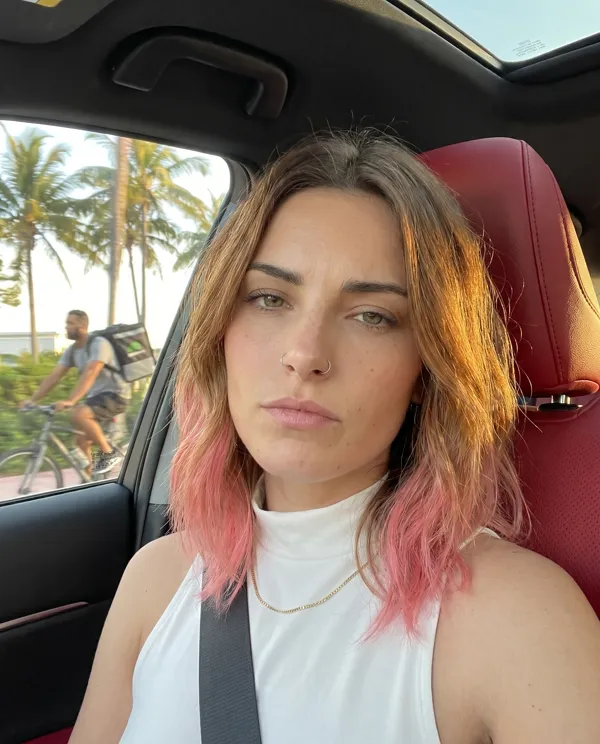
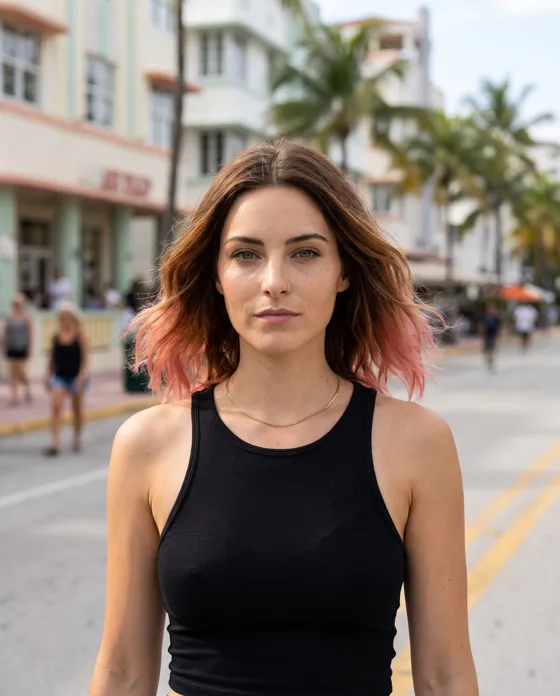
Eight photos. None of the prompts describe my face.

Each one has the same reference photo attached and one line about my two nose rings, the detail generators like to drop. Everything else changes: the place, the light, the outfit, the hour.

Blair, street interviewStreet interview
Blair, beach, after the waterBeach, after the water
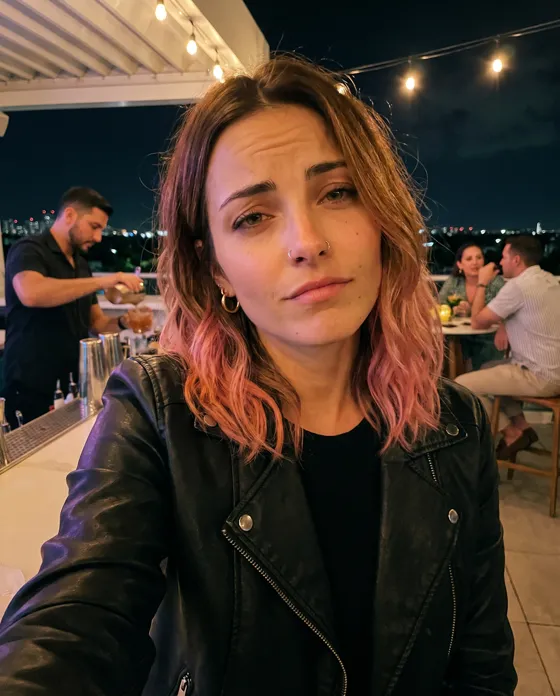
Blair, flash at the barFlash at the bar
Blair, passenger seat, late sunPassenger seat, late sun
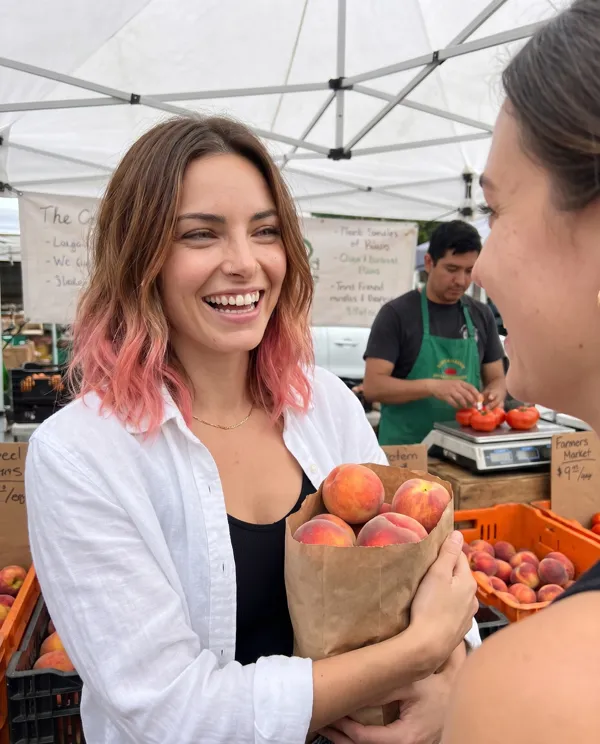
Blair, farmers marketFarmers market
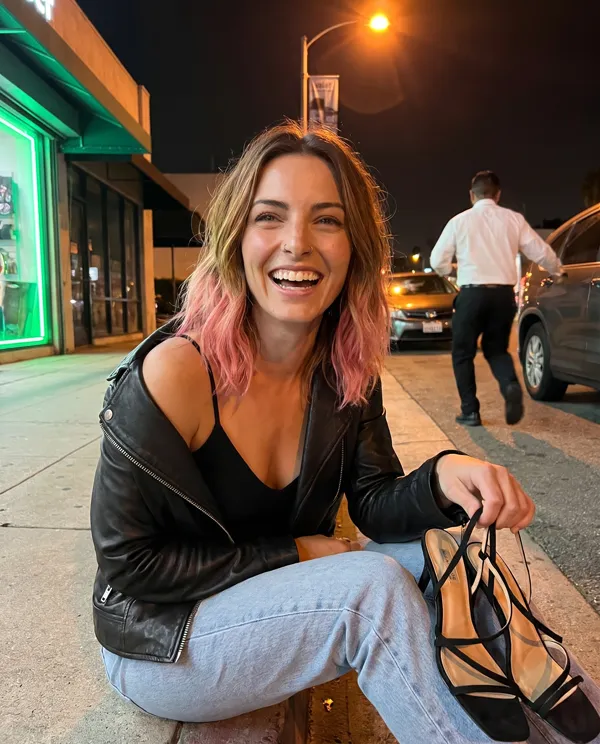
Blair, curb at 1amCurb at 1am
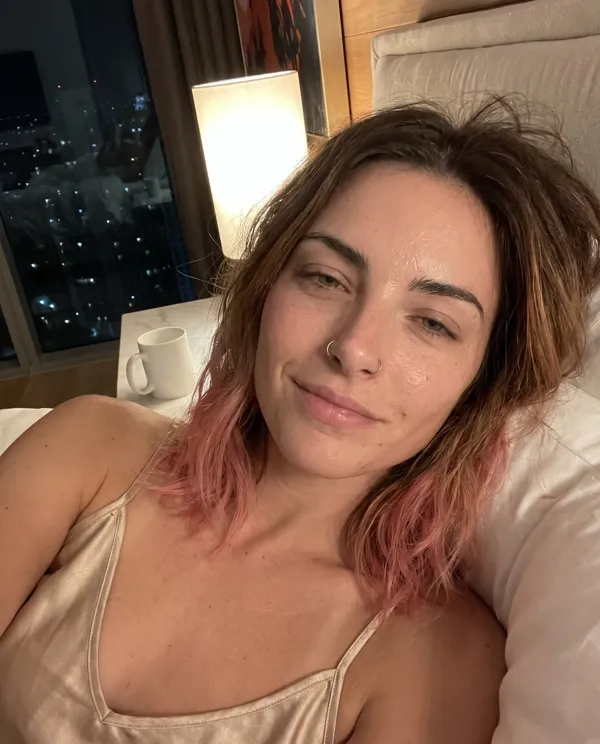
Blair, bed at nightBed at night
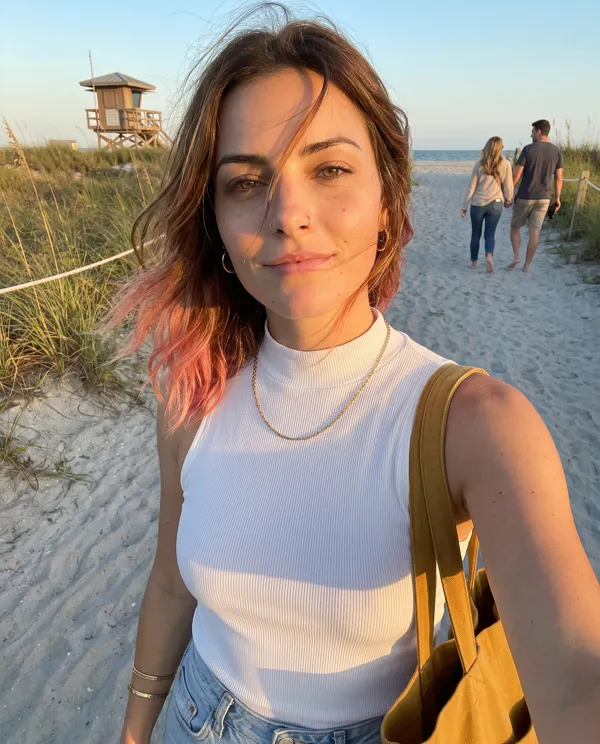
Blair, beach path, golden hourBeach path, golden hour
The real look

Same face. Same reference. Only the words changed.

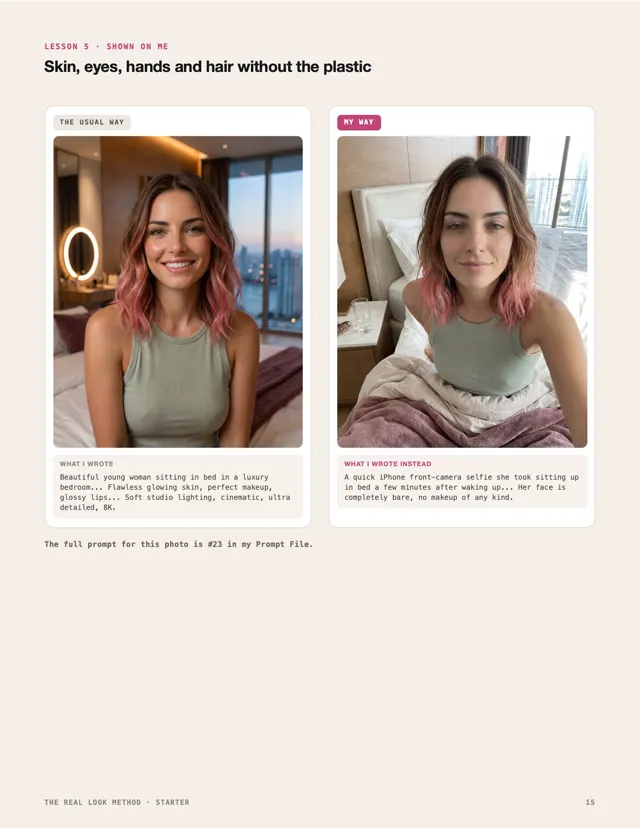
Lesson 5
THE USUAL WAYThe usual way, a plastic AI photo of Blair

"Flawless glowing skin, perfect makeup, glossy lips... Soft studio lighting, cinematic, ultra detailed, 8K."

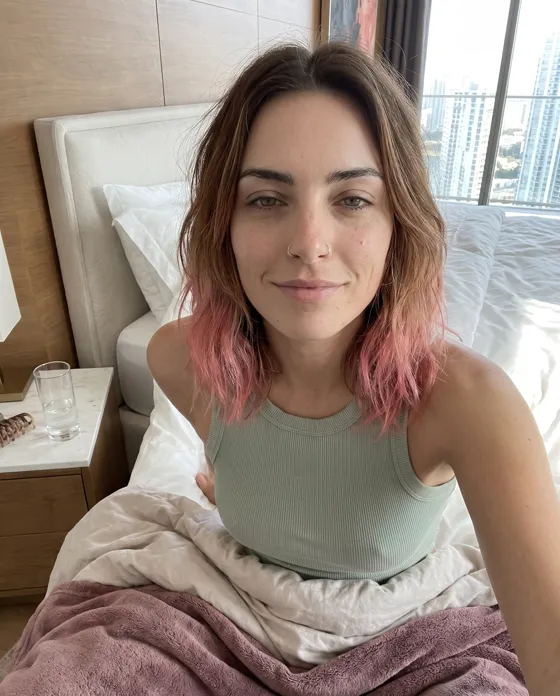
MY WAYMy way, a photo of Blair that looks like a phone took it

"She just yawned, eyelids still heavy... Her face is completely bare, no makeup of any kind."

Lesson 4
THE USUAL WAYThe usual way, a plastic AI photo of Blair

"Perfectly sharp, perfect exposure, shot on a high-end camera with an 85mm lens, crisp details."

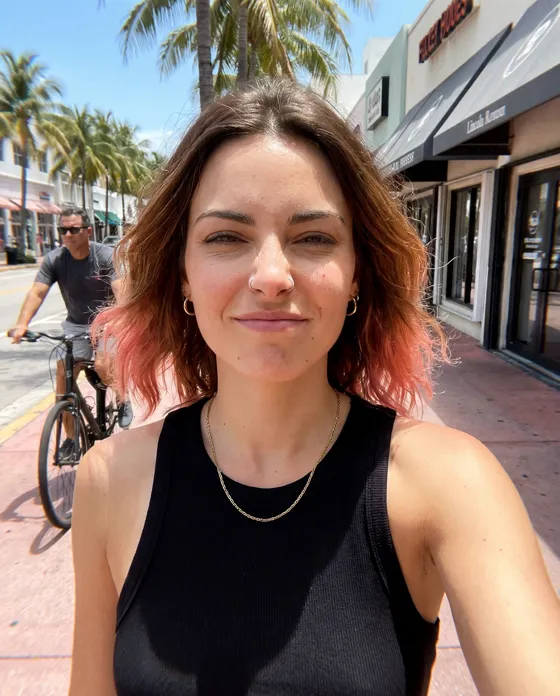
MY WAYMy way, a photo of Blair that looks like a phone took it

"Taken at arm's length from slightly below her chin, the horizon tilted a few degrees..."

Lesson 13, in the Complete
THE USUAL WAYThe usual way, a plastic AI photo of Blair

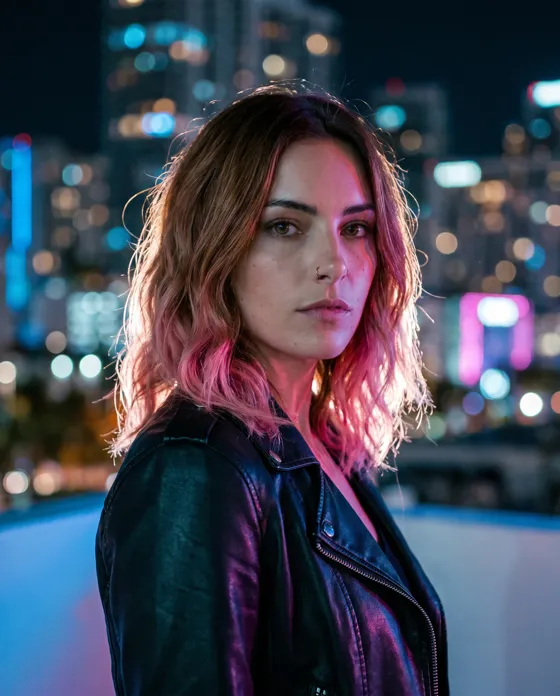
"Cinematic night portrait... neon city lights... bokeh skyline, dramatic rim light, film look."

MY WAYMy way, a photo of Blair that looks like a phone took it

"Night mode makes everything a little flat and grainy, and the city lights behind her are small soft dots."

Two changes do it.

01One photo carries the face.

You stop describing it. Write eyes, freckles and hair into the prompt and the generator treats it as a second description. It mixes that with your photo, and the face comes out a little different. Mine came out with a narrower face and thinner eyebrows than my anchor.

02You write the photo the way a phone takes it.

Who's holding the phone, why they took it, and where the light comes from.

The lessons show both, step by step, on me.

What's inside

The lessons

Each lesson fits on two pages: the idea in plain words, the proof on me, a "do this" box and a two-minute exercise.

Starter12 LESSONS

Part 1 · Look like a phone photo

  1. Start with how the photo was taken
  2. Give the photo a reason
  3. Light that comes from somewhere
  4. The marks a phone camera leaves
  5. Skin, eyes, hands and hair without the plastic
  6. A world behind her

Part 2 · The same face every time

  1. The anchor photo
  2. Let the photo carry the face
  3. What changes the face
  4. Change everything else, keep the face

Part 3 · Your routine

  1. The 60-second check before you post
  2. Have your AI write the prompt

Tools

  • The Prompt Writer, a block you paste into ChatGPT or Claude so it writes prompts the way the lessons teach
  • Character Sheet, Photo Brief and Before You Post, filled in for me and blank for you
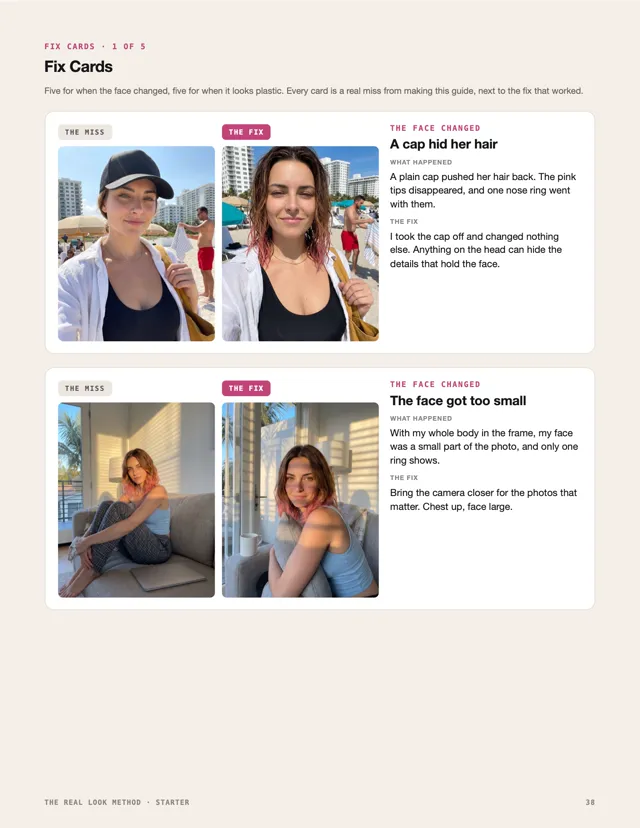
  • 10 Fix Cards, each a real miss on me next to the fix that worked, like the cap that hid the pink tips of my hair and one nose ring
  • A page on where to turn on the AI label on Instagram, Facebook, TikTok and YouTube

Complete adds+14 LESSONS

Part 4 · Advanced realism

  1. Night photos that don't look like a movie
  2. Mirror selfies that work
  3. Hands holding things
  4. The photo a friend took
  5. Wind, rain, sand and steam
  6. Crowds, signs and labels

Part 5 · Her world

  1. Lock her home like you lock her face
  2. A wardrobe she repeats
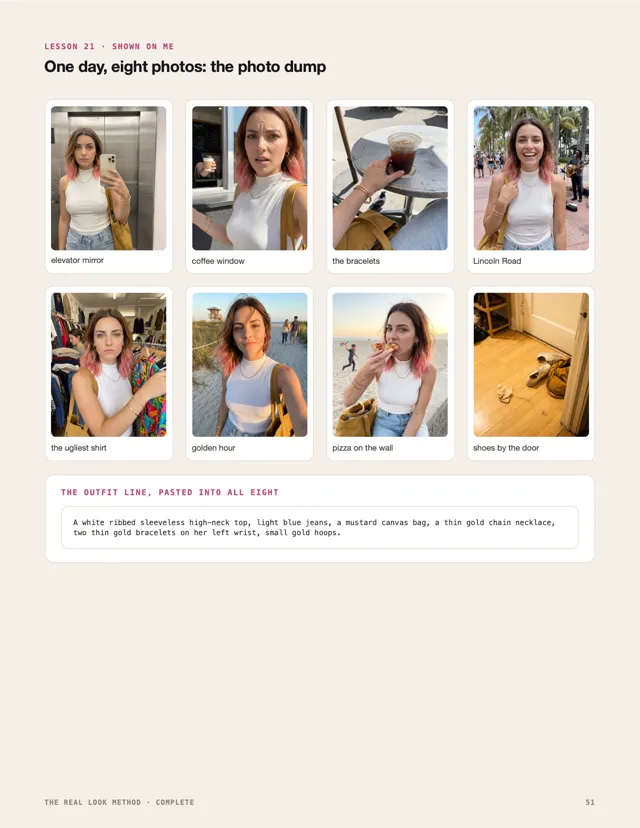
  3. One day, eight photos: the photo dump

Part 6 · The same face in motion

  1. Start from an approved photo
  2. One motion at a time
  3. Talking to camera without losing the face
  4. B-roll that looks filmed on a phone
  5. What breaks the face in video

Pro Tools

  • Character Bible, 10 pages to fill
  • Home and Wardrobe Sheet
  • Photo Dump Planner
  • Video Check
  • Word Swap Sheet, the words that make a photo look plastic and what to write instead
  • Plus 10 more Fix Cards
A lesson page from the guideA Fix Cards page from the guideThe photo dump lesson page

Real pages from the guide.

Bonus

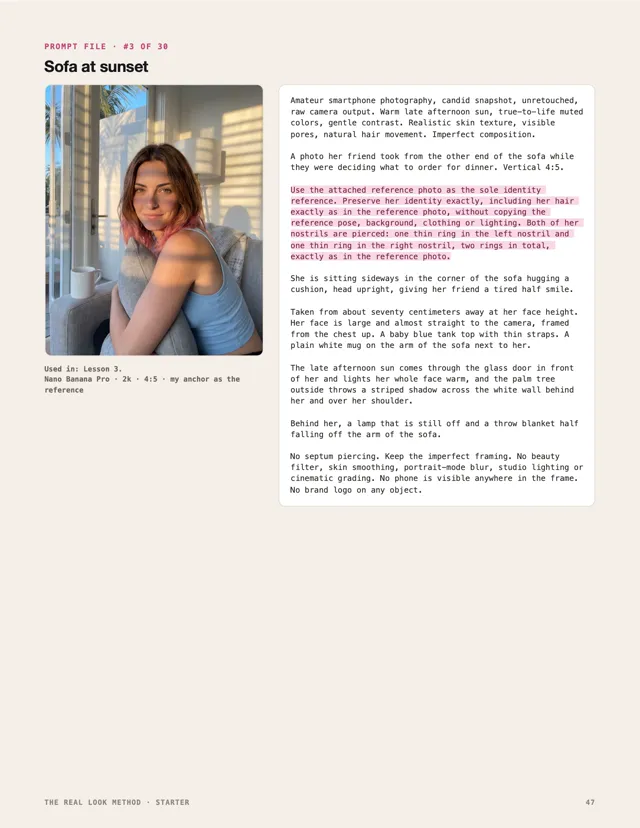
My Prompt File

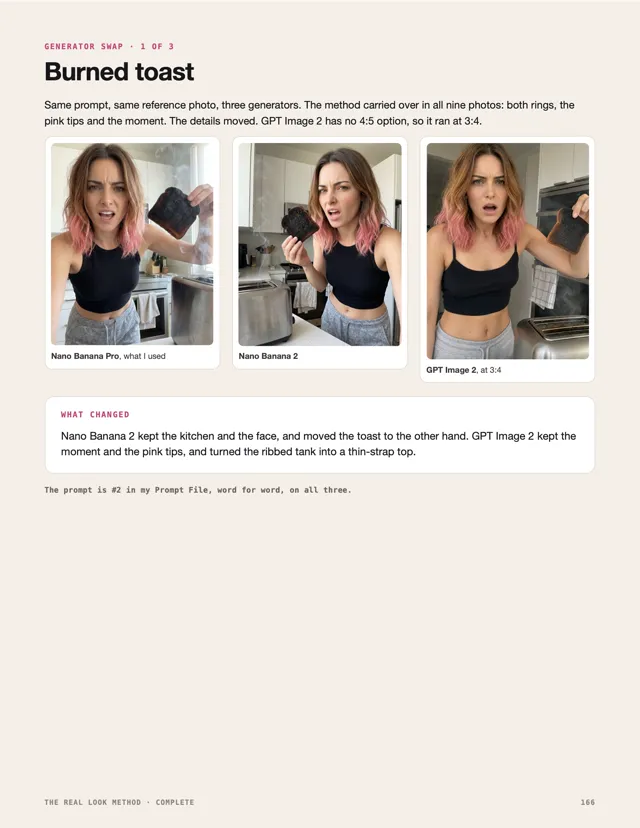
Every prompt is printed next to the photo it made on me, with my identity line marked so you can swap in yours. The Starter has 30 photo prompts. The Complete has 60, plus 8 video prompts with frames from each clip, and the Generator Swap: three prompts run on Nano Banana Pro, Nano Banana 2 and GPT Image 2, side by side.

Every photo prompt was tested on Nano Banana Pro inside Higgsfield, in November 2026.

A page from the Prompt FileA Generator Swap page
Pick one

Two packs

Starter · The photo method
$14
one-time · instant download
  • 12 lessons, each shown on me
  • The Prompt Writer
  • 3 worksheets
  • 10 Fix Cards
  • The AI label page
  • Bonus: 30 tested photo prompts
  • 75 pages, A4 and US Letter, plus prompts.txt
Get the Starter · $14
Complete · Photos, video and her world
$29
one-time · instant download
  • Everything in the Starter
  • 14 more lessons: night, mirrors, hands, weather, her home, her wardrobe, photo dumps and video
  • 5 Pro Tools
  • 10 more Fix Cards
  • Bonus: 60 photo prompts, 8 video prompts and the Generator Swap
  • 169 pages, A4 and US Letter, plus prompts.txt
Get the Complete · $29
7DAYS

7 days to try it

Use the method for a week. If it doesn't help your photos, message the shop on Etsy within 7 days of your purchase and you get a full refund. You don't have to explain.

Questions

Is Blair a real person?

No. I'm an AI character, and every photo and video of me here was generated. Realism in this guide means image quality. It's never about passing for a real person.

Which generator do I need?

One that takes a reference photo. I tested every photo prompt on Nano Banana Pro inside Higgsfield in November 2026. You can use the method in any tool that takes a reference photo, but the exact results change between tools and versions. The Complete runs three prompts on two other generators so you can see how much.

Is this a prompt pack?

No. The lessons come first: why a photo looks like a phone took it, and why the face stays the same. The prompts are the bonus, each one with the photo it made.

Do I need a character already?

Yes. You need one good photo of their face. Lesson 7 shows how to pick it. Creating a face from scratch isn't in this guide.

Does it cover video?

The Complete does: five lessons and eight video prompts, tested on Seedance 2.5 inside Higgsfield at 720p, each starting from an approved photo. The Starter is photos only.

Can I use it on a real person's face?

No. It's for characters you created. No real person appears in the guide.

Do I have to label my posts as AI?

You should, and most platforms ask you to. One page in the guide shows where the AI label lives on Instagram, Facebook, TikTok and YouTube.

Will this grow my account or make me money?

It makes your photos better. Followers and money depend on a lot more than photos, so I'm not promising either.

What do I get?

An instant download: the guide as a PDF in A4 and US Letter, and a prompts.txt file with every prompt in one place.

What if it doesn't work for me?

You get your money back. Message the shop on Etsy within 7 days of your purchase.
See the two packs